Remote access and OTA updates for your fleet
Troubleshoot devices in seconds and deploy updates with confidence. Production-ready device management for teams who ship.
- 10 devices free for 6 months
- No credit card
- Hosted in the EU or US
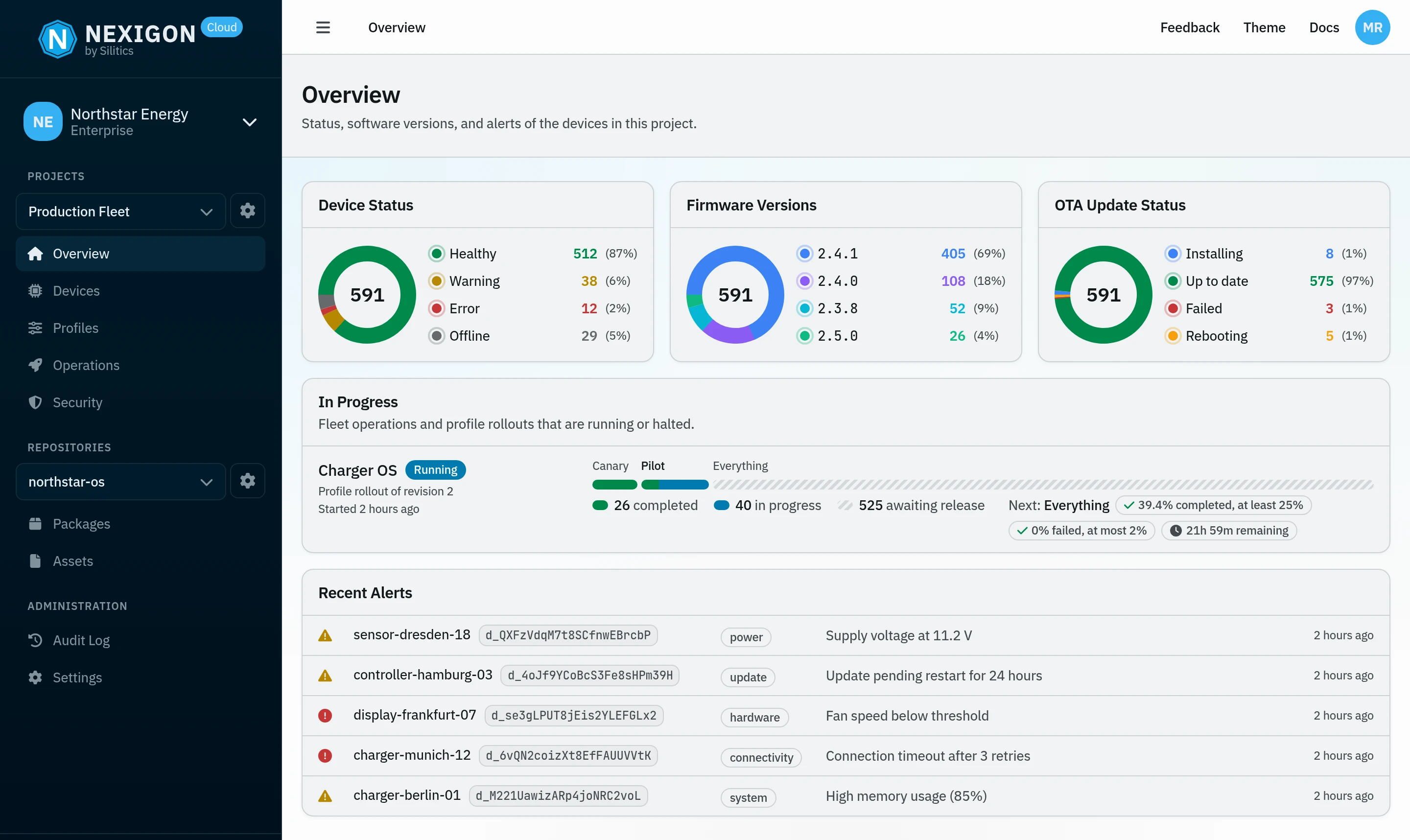
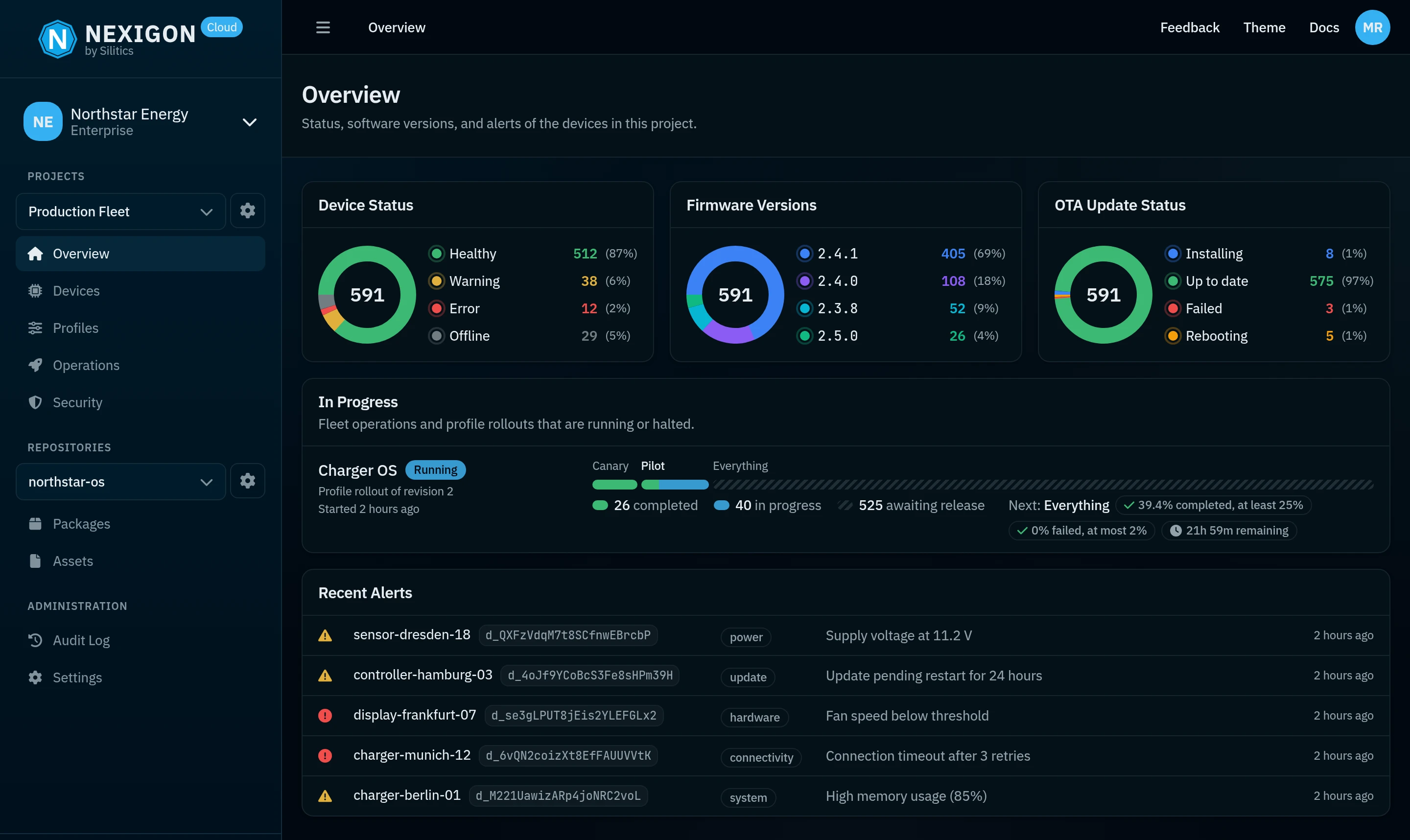
Fleet health at a glance
591 devices: healthy, degraded, failing, or offline.
Every version in the field
Which firmware your devices run, release by release.
Update progress
Devices installing, rebooting, or up to date.
Build or buy
Your team builds the product. Nexigon runs the fleet.
Remote access, OTA updates, and fleet monitoring are a product of their own. Building them in-house takes engineers away from your product, and keeping them secure never ends. With Nexigon, they work from day one, and we keep them maintained.
- Secure tunnels to devices behind firewalls
- Device provisioning and identity
- Release distribution, rollouts, and retries
- Fleet dashboards, events, and alerts
- Access control and an audit log
- Hosting and security updates of the platform
For the long run
Built for the long life of your devices
Connected products stay in the field for a decade or more. The EU Cyber Resilience Act requires security updates throughout their support period, for most products at least five years. Nexigon keeps your fleet up to date and under your control.
- Security updates for years
- Ship a fix by moving a release channel. Offline devices catch up when they reconnect.
- Verified installs
- Devices verify the signature or hash of every update before they install it.
- Strong device identity
- Devices authenticate with mutual TLS certificates, with keys that can stay in a TPM.
- A traceable record
- The audit log records who did what. Its entries cannot be changed through the web interface or API.
- Grows with your product
- Works out of the box. Need something custom? Have your coding agent build it on our API and SDKs.
- No dead ends
- The agent on your devices is open source, and your release artifacts stay in your own S3 bucket.
How it works
One agent on the device, one control plane for the fleet
Get started quickly with Rugix, or bring the update engine you already use, such as RAUC. Nexigon Agent connects your devices and drives their updates.
Your devices
- Your OS and applications
- Update engine · Rugix or RAUC
- Nexigon Agent · open source
 Nexigon Hub
- Remote access
- OTA updates
- Monitoring and configuration
- Artifacts · in your S3 bucket
Cloud, dedicated, or self-hosted
Your team and tools
- Nexigon web interface
- Nexigon CLI in CI
- API, SDKs, and OTLP export
Your S3 bucket
Release artifacts, stored and billed by your provider
Remote access
Reach any device in seconds


The agent forwards only the ports you permit, such as SSH or the device's web interface.
More about remote accessOTA updates
Deploy updates with confidence


Follows the stable channel
The device installs whatever release stable points to.
Installs only at night
Updates activate between 02:00 and 05:00 device time.
Waits for its turn
A spread releases 2.5.0 to the fleet over six hours.
Device management
Monitor, configure, and control


“Nexigon is intuitive, customizable, and delivers peace-of-mind reliability!
At enmo, we use it as our fleet management solution both in production and testing. Its customizability enabled us to quickly build an access portal, allowing our customers to reach their devices from anywhere, while our team can also securely access them to provide support and updates. This has accelerated delivery and elevated customer satisfaction.”
Start managing your fleet today
- 10 devices free for 6 months
- No credit card
- Hosted in the EU or US